Questionsand answers
Can’t find your answer? Write /support in the bot chat: the reply comes to the same chat.

Everythingby topic
Getting started
What do I need to get a card?
Telegram and an email you can open. Open @Vinidapaybot, pick a language and tap Open Vinida: the account is made in one tap, and the email is asked only when you get a card.
How fast is the card ready?
A few minutes after your payment is confirmed, the bot says Your card is ready, and the card already has $5 on it. The details open in the app, and purchase confirmation codes come to that same chat.
How many cards can I have?
As many as you like: there's no per-account card limit, and each card is topped up on its own. It helps to keep a separate card for subscriptions and give it its own name. For teams there's a corporate account from 5 cards: apply in your Profile, under Corporate account.
Where doesn’t the card work?
In some countries payments on the card are declined. Check yours before you get a card: the full list is in the app, in Profile under Help, together with what the card can’t pay for.
Where do I enter a friend's promo code?
At sign-up, or later in your Profile, but only before your first payment. On a personal account it gives −20% on top-ups for 30 days. The app says the code isn't active yet? Then your friend doesn't have a card of their own yet.
What do I get for inviting a friend?
$5 for a friend's first card once they top it up, and up to 35% of the fees: 20% from their top-ups, 10% from their friends' and 5% from the next level, for good. Your link and promo code are in your Profile and start working once you have your own card. More
Top-ups
How do I top up the card?
Pick the card on Home and tap Top up. Choose a coin and enter how many dollars should land on the card. On the payment screen, send the amount under Send exactly to the address shown, to the cent.
Which coin should I pick?
USDT on TRON: $10 to $50,000 at a time and the cheapest, so large amounts are best sent in it. USDT on TON, Ethereum, BNB Chain and Solana, USDC and other coins start at $30 but cost more because of the exchange and the network; you see the difference before you pay.
Why does the amount have to be exact?
In USDT on TRON we recognise your payment by its last cents, and the exchange for other coins waits for exactly the amount shown. An exchange takes its withdrawal fee out of the amount, so add it on top: exactly that much has to arrive, not a cent less.
Which network do I send on?
The coin and network you picked: the address on the payment screen is for exactly those. Exchanges often call the TRON network TRC-20. Check the coin and the network before you send.
The payment screen shows a memo: what do I do with it?
Always add it to your transfer; on the screen it comes before the address. Without it a TON payment isn't found automatically: it has to be traced by hand by its transaction hash, which takes far longer.
How long do I have to pay, and when does the money land?
You have 60 minutes, with a timer on the payment screen. Closed it? The unpaid order waits on Home. Once paid, the money is usually on the card in a few minutes, and the bot tells you.
The card and payments
Where can I pay with the card?
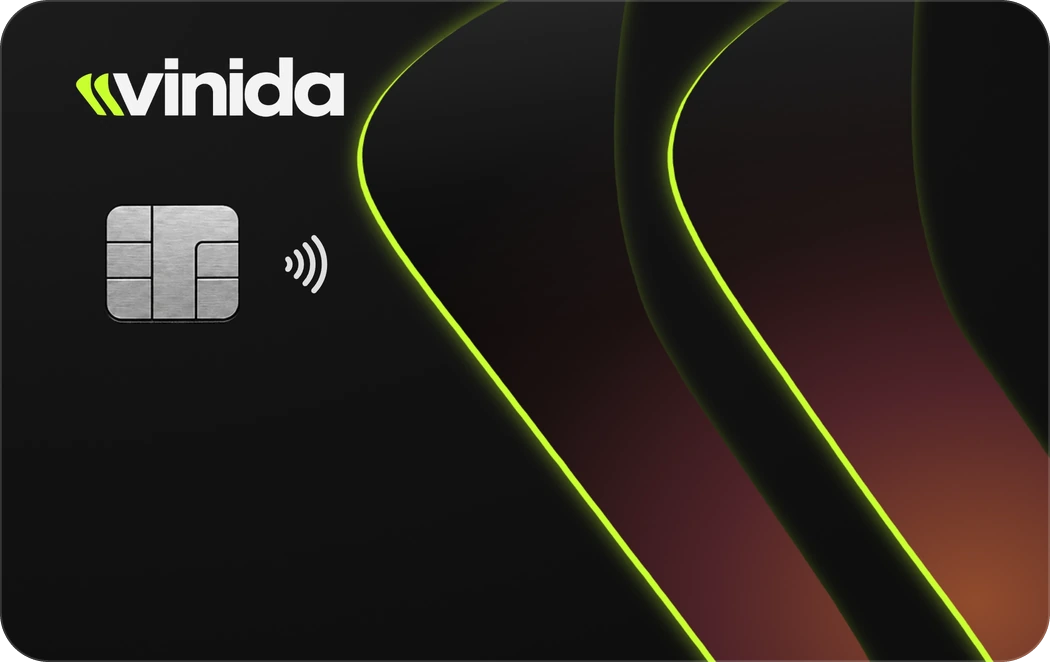
It's a virtual Visa in US dollars. Pay online for subscriptions, AI tools, online shops, taxis and tickets, and in physical shops with your phone through Apple Pay and Google Pay.
What can't I pay for with the card?
Money transfers, wallet top-ups, buying crypto, exchanges and exchangers, brokers and investing, casinos and betting, 18+ sites, tobacco, pharmacies, weapons, pawn shops, debt collectors, political and religious organisations.
How do I add the card to Apple Pay or Google Pay?
Apple Pay: open Wallet, tap + and choose Debit or Credit Card. Google Pay: open Google Wallet, tap Add to Wallet and choose Payment card. Type in the details from the app by hand; any name in Latin letters works.
Where do confirmation codes arrive?
To your chat with the bot: codes for purchases, Apple Pay and Google Pay. The wallet offers an unfamiliar email or phone number? Pick either: the code still comes to the bot. Never share codes, and don't delete that chat.
Where do I find the number, CVV and an address for shops?
On Home tap Details: the card turns over to the number, expiry and CVV, each with its own copy button. The billing address slides out below it, for shops that ask for an address. After 30 seconds it all hides again.
How do I freeze the card?
Tap Freeze on Home: while the card is frozen every payment on it is declined, subscriptions too, and it can't be topped up. Unfreeze turns it back on. The bank changes a card's status at most once every 35 seconds, so a quick repeat goes through on its own after a timer.
If something goes wrong
Sent the money, but the payment doesn't show?
It's usually found by itself within a few minutes. If not, tap Payment not showing? on the payment screen and paste the transaction hash from your wallet or exchange history. An exact amount in USDT on TRON counts at once; any other may be checked by hand.
Sent less than the top-up needs?
In USDT on TRON, if up to 5 USDT is missing, the top-up is recalculated from what arrived. More missing: the bot asks you to add the exact rest by a set time; send it to the same address. With no extra payment in 3 hours, what arrived is credited. In other coins, send exactly the amount shown.
Sent more than needed?
A small overpay in USDT on TRON counts by itself: the top-up is recalculated on everything that arrived, and for a card order the rest goes onto the new card. A large one may be sorted out by hand. In other coins, send exactly the amount shown.
Didn't pay within the 60 minutes?
Haven't sent it yet? Start a new order and don't pay to the old address: in another coin that money may never reach the card. Already sent the exact amount in USDT on TRON? It can still find its order by itself if no more than a day has passed since the order ran out. If not, write /support.
Paid for a top-up, but the card balance didn't grow?
Money is usually on the card within a few minutes, but sometimes the card service takes longer, even after the bot has reported the top-up. If it's still not there after 10 minutes, the bot writes that the top-up has gone for a check.
Card payment declined?
The bot tells you right away. Card frozen: unfreeze it. Not enough money: top the card up. Declined by the bank or the shop: check that the shop isn't in a banned category and that the card works in its country. Declined after the money was taken? It goes back on the card.
Security and access
How do I keep my account if I lose Telegram?
Set a password in advance (the app offers it in your notifications) and keep access to your email. Then in a new Telegram open the bot, tap I already have an account and enter your email, the code from the letter and your password. The account moves at once.
Do I need a PIN?
Optional on a personal account: the app offers to set one. A corporate account must have one. With a 4-digit PIN the app asks for it each time it opens and after 5 minutes without use.
Forgot your PIN?
Tap Forgot the PIN?, enter your password, then the code from the email, and set a new PIN. After 5 wrong tries the app locks for a minute, and after 5 more for 15 minutes. Email not confirmed? Write /support: support can let you set a new PIN.
The code email doesn't arrive?
Check your spam folder. The 6-digit code works for 10 minutes; you can ask for a new one when the timer runs out. Typo in the address? An unconfirmed email changes with no PIN or password. When moving an account, the letter only comes if a Vinida account has that address.
How do I change a confirmed email?
In your Profile tap Change email and follow the steps: your PIN, a code to the old address, the new address and a code to it. It needs a PIN, so set one first. Cards you already have keep the email they were issued with.
How will I know if someone changes my account?
A change of PIN, password or email, an account move or a Telegram unlink brings a notice, and the bot also writes when a PIN or email is set for the first time. If it wasn't you, write /support in the bot chat right away.